← All videos
MAPMX / REAL DEVICE DEMO
From connection to verification.
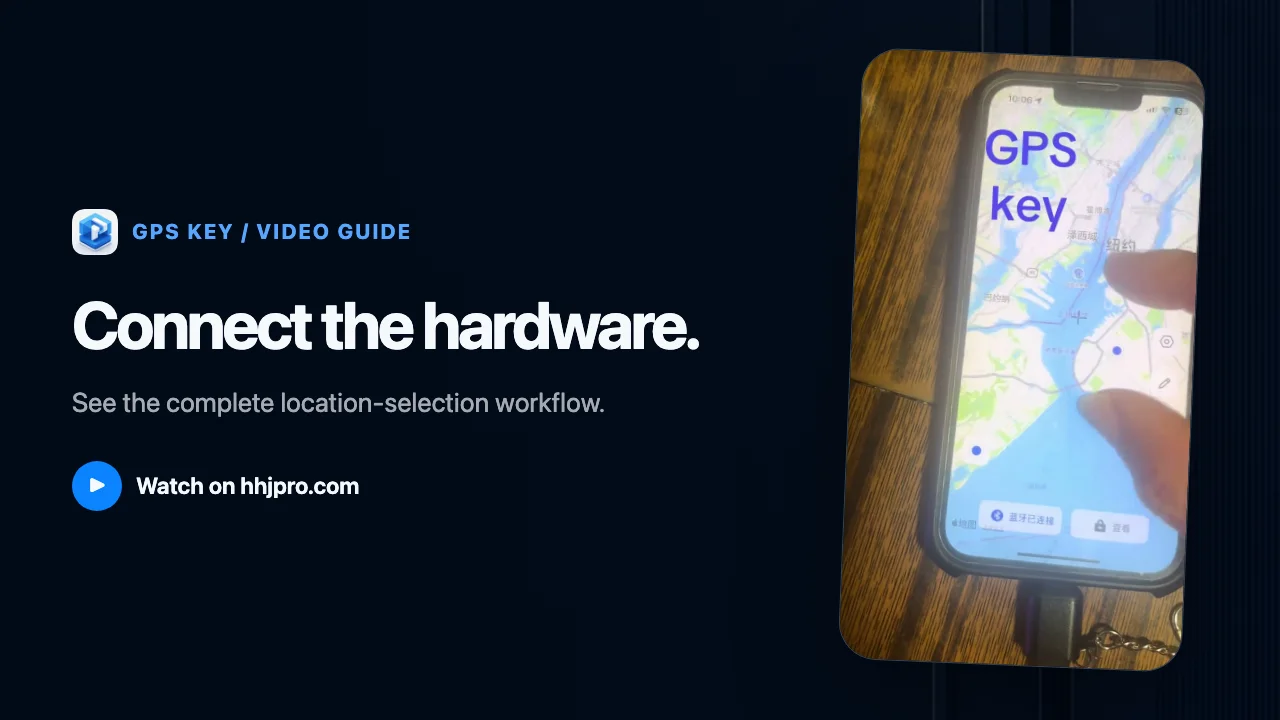
This walkthrough uses real MapMx hardware and an iPhone to show the complete location-selection workflow.
- Published
- Duration
- 00:59
01 / Video guide
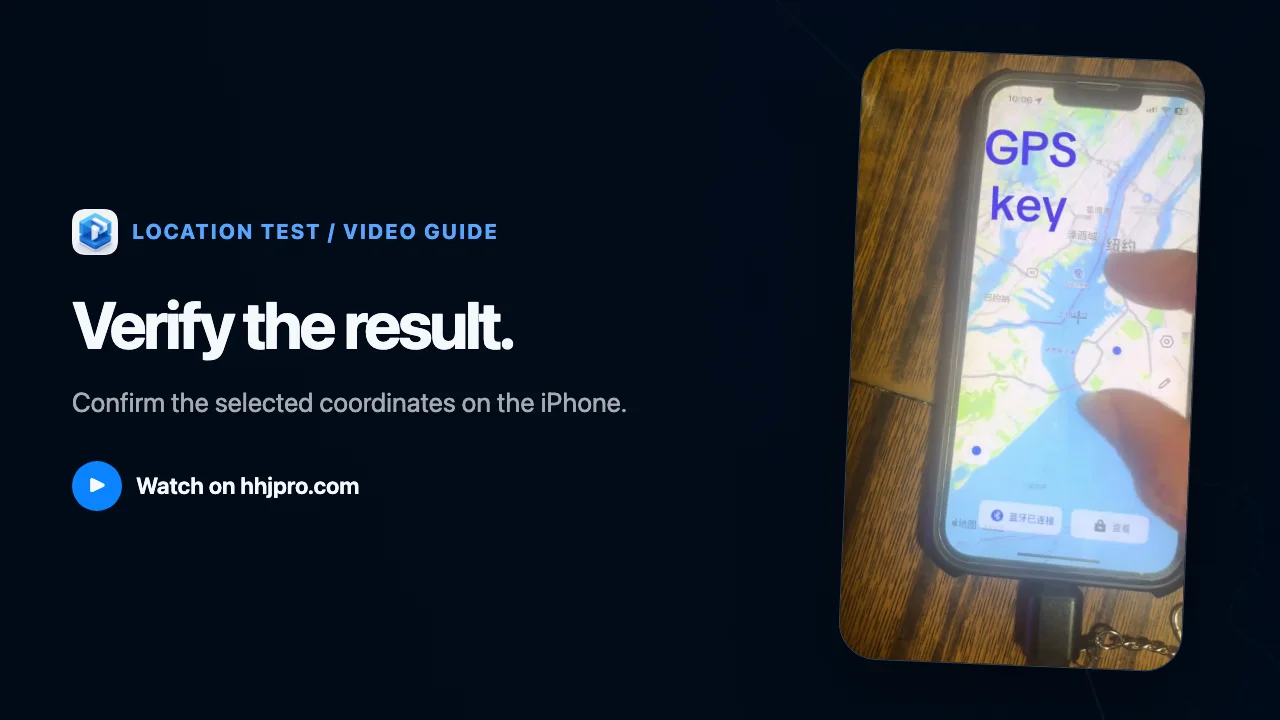
Connect MapMx hardware, search for a place in the app, select the target coordinates, then open Maps to verify the result.
02
Steps shown
- 01
Connect the device
Connect compatible MapMx hardware to the iPhone and complete device pairing in the app.
- 02
Search for a place
Enter a destination in the MapMx search field and review the map result.
- 03
Select coordinates
Choose the destination or map point you want to test.
- 04
Verify the result
Open Maps and confirm that the iPhone shows the selected coordinates.