← All videos
LOCATION TEST / REAL DEVICE DEMO
Refresh the map. Confirm the result.
This clip demonstrates location-result verification only. Promotional text in the source has been covered and is not presented as a product claim.
- Published
- Duration
- 00:29
01 / Video guide
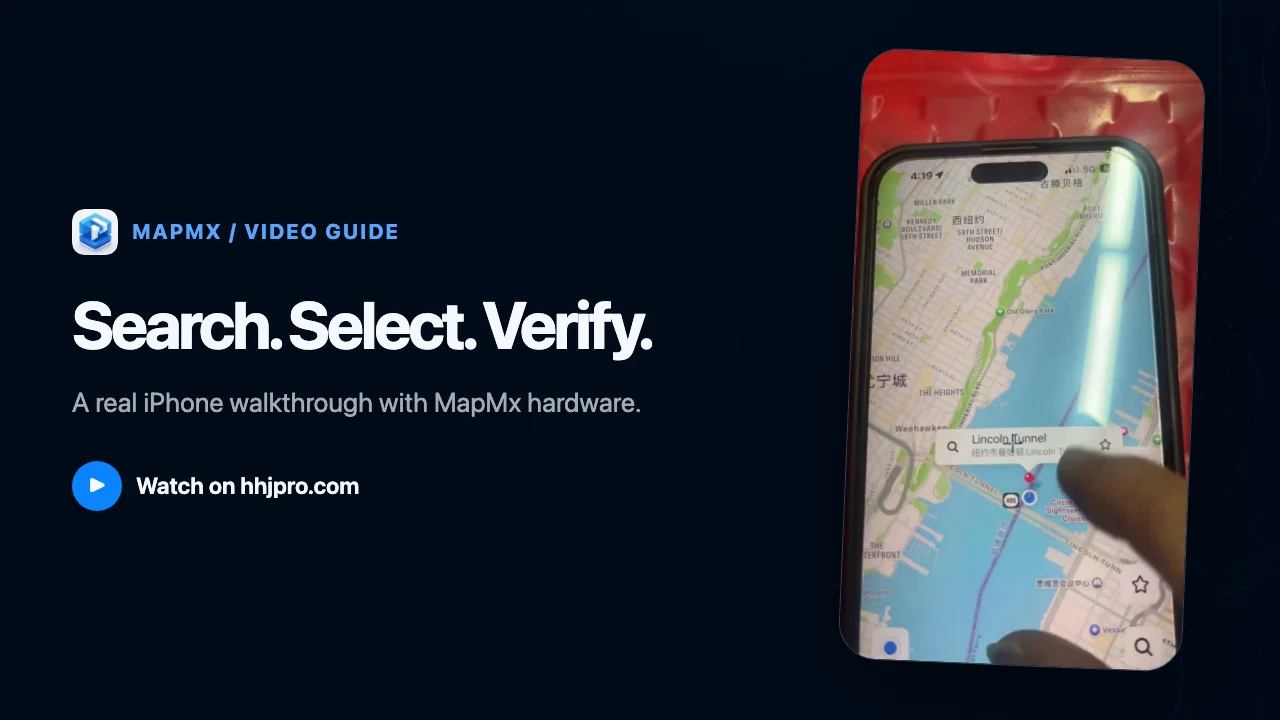
Keep the external device connected, refresh the map interface so it requests location again, and check whether the selected coordinates appear.
02
Steps shown
- 01
Keep the device connected
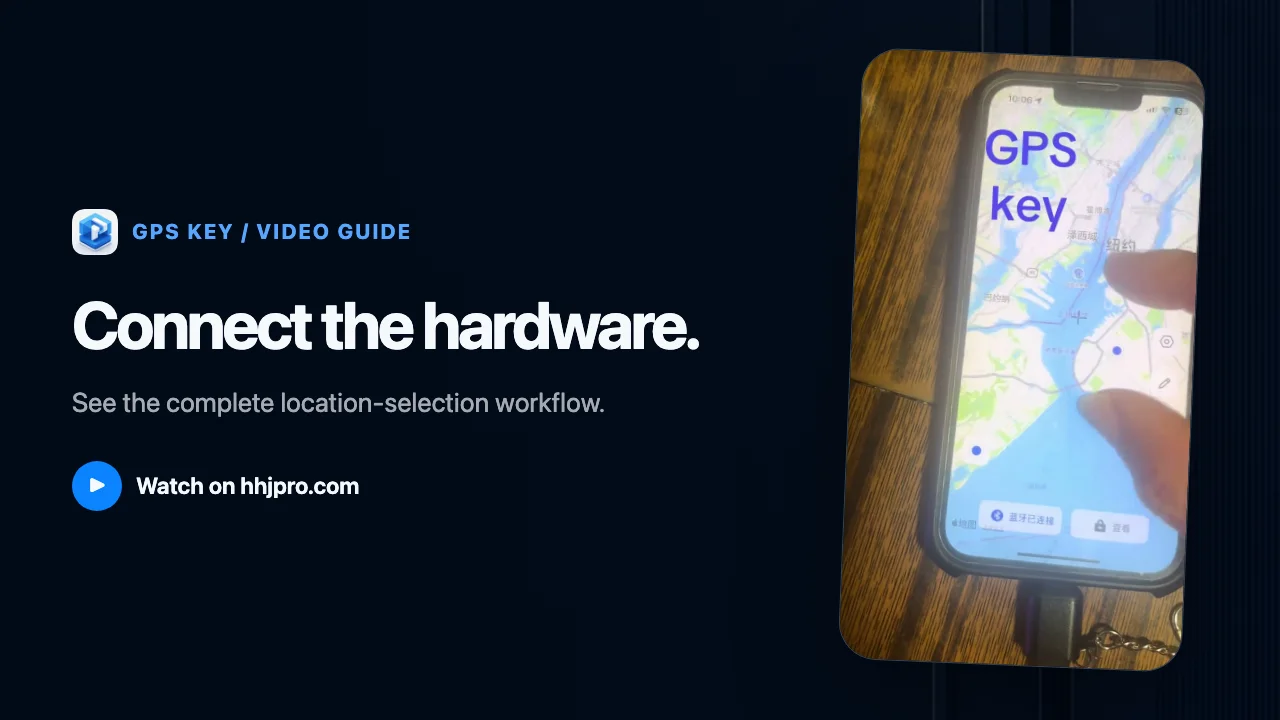
Confirm that the external location-testing hardware remains connected to the iPhone.
- 02
Refresh the location
Trigger a new location request in the map interface.
- 03
Confirm the result
Check whether the map displays the coordinates selected earlier.