← All videos
GPS KEY / REAL DEVICE DEMO
Connect the hardware. Select the point.
The guide keeps the real GPS Key and iPhone footage, with clear step labels replacing the unrelated source audio.
- Published
- Duration
- 01:01
01 / Video guide
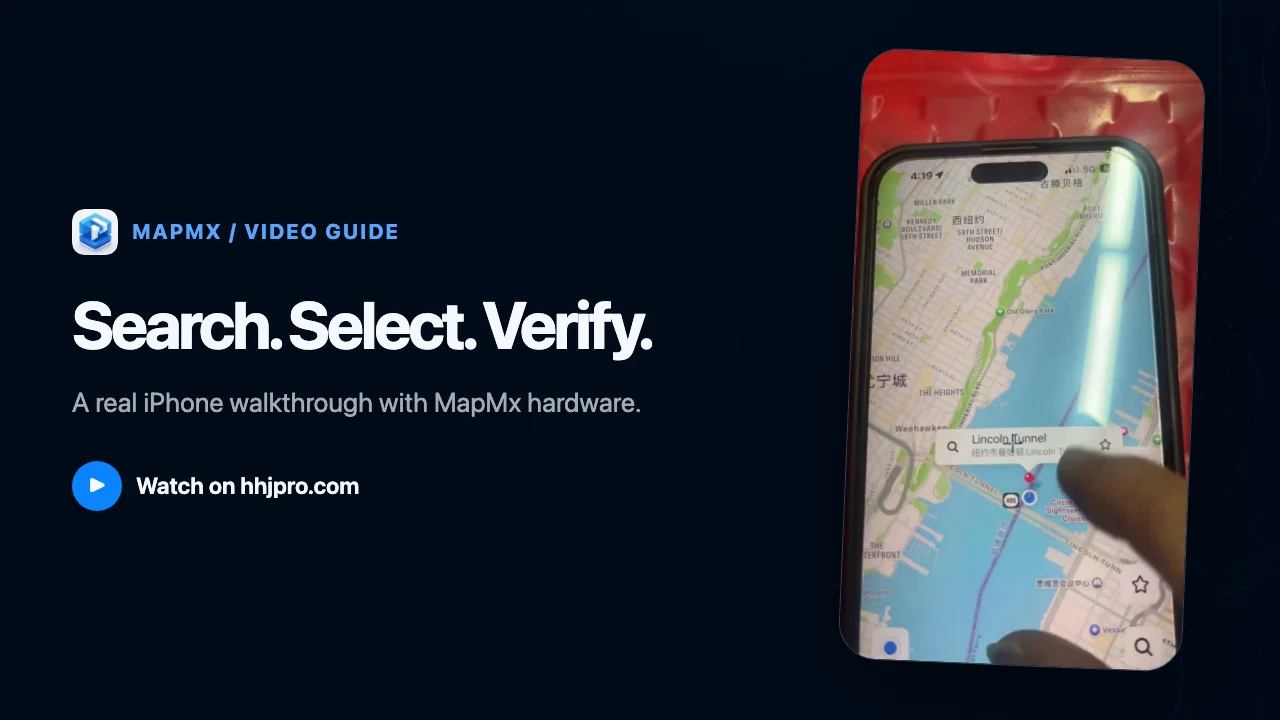
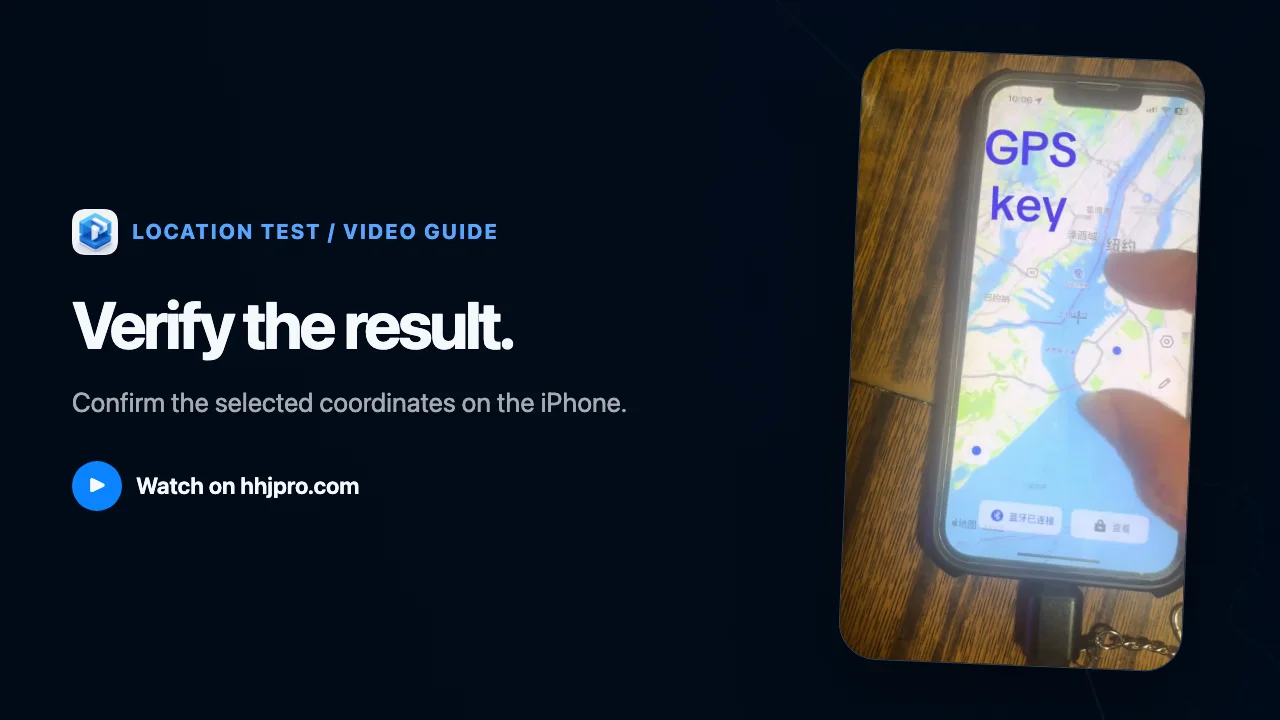
Insert the GPS Key, search for the test destination in the companion map interface, select the point, and confirm the final location.
02
Steps shown
- 01
Insert the GPS Key
Connect the GPS Key to the iPhone and wait for the device and companion interface to become ready.
- 02
Search for a destination
Use the search field to find the location you want to test.
- 03
Select the map point
Choose and refine the target coordinates on the map.
- 04
Confirm the location
Review the final coordinates and marker shown in the interface.