Connect MapMx hardware
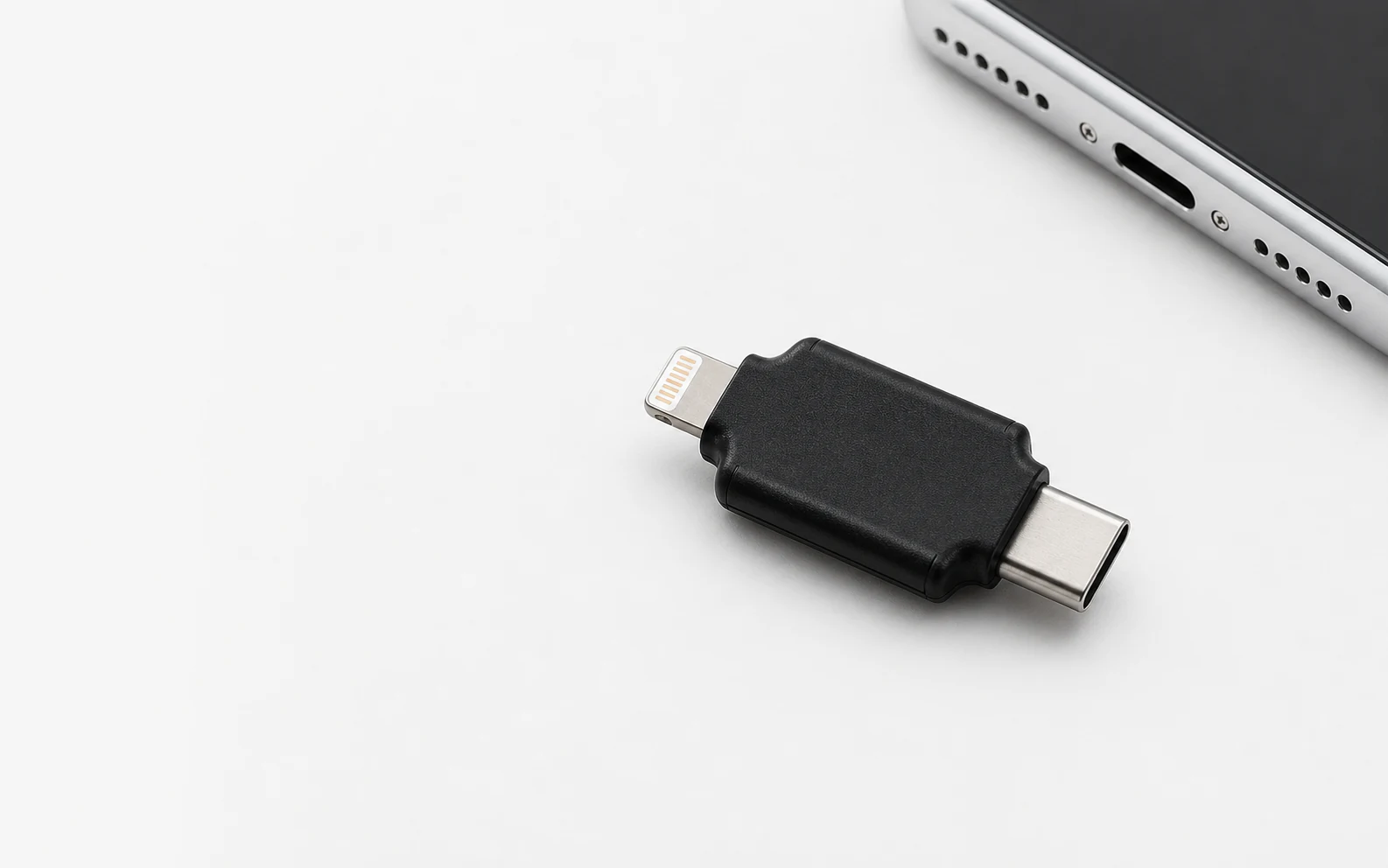
Plug the MapMx device into the iPhone through USB-C or Lightning. Open the app, tap the Bluetooth icon, find the device, and tap to connect.
MAPMX / HARDWARE COMPANION APP
MapMx is the companion iPhone app for MapMx hardware. Once connected, you can search or save places and lock the phone location to coordinates you select.
MapMx App requires MapMx hardware. Its enclosure matches HHJ Pro; connect it to an iPhone through Lightning or USB-C, then complete device pairing inside the app.
Secure checkout and order tracking are provided by QPin.
01 / Key facts
MapMx App is free to download; location-changing functions require the matching MapMx hardware.
02 / What it does
The core workflow—from connecting MapMx hardware to selecting target coordinates—takes place inside the app.
Plug the MapMx device into the iPhone through USB-C or Lightning. Open the app, tap the Bluetooth icon, find the device, and tap to connect.
After connecting, use the search field to find a target place or save frequently used locations for later access.
Select a search result or saved place and tap View to lock the phone location to the coordinates you selected.
03 / Source
The App Store page is provided only as the official MapMx App download destination. MapMx requires its companion hardware; device connection, place search, favorites, and coordinate locking follow this page and the current app interface.