App development
Check maps, navigation, and location permissions without traveling to every place.
EXTERNAL LOCATION MODIFIER FOR IPHONE
Plug-in hardware · No jailbreak · No computer needed
Plug it in. Open the app.
Set the location you need.
Secure checkout and order tracking are provided by QPin.
PRODUCT OVERVIEW
HHJ Pro is an external location modifier for iPhone. Plug it into your phone, open the official app, then pick a spot on the map, enter coordinates, set altitude, or save places you use often.
No jailbreak. No computer left plugged in. Every device includes both Lightning and USB-C.
PRODUCT DETAILS
Connectors, fit on iPhone, and build details—before you order.
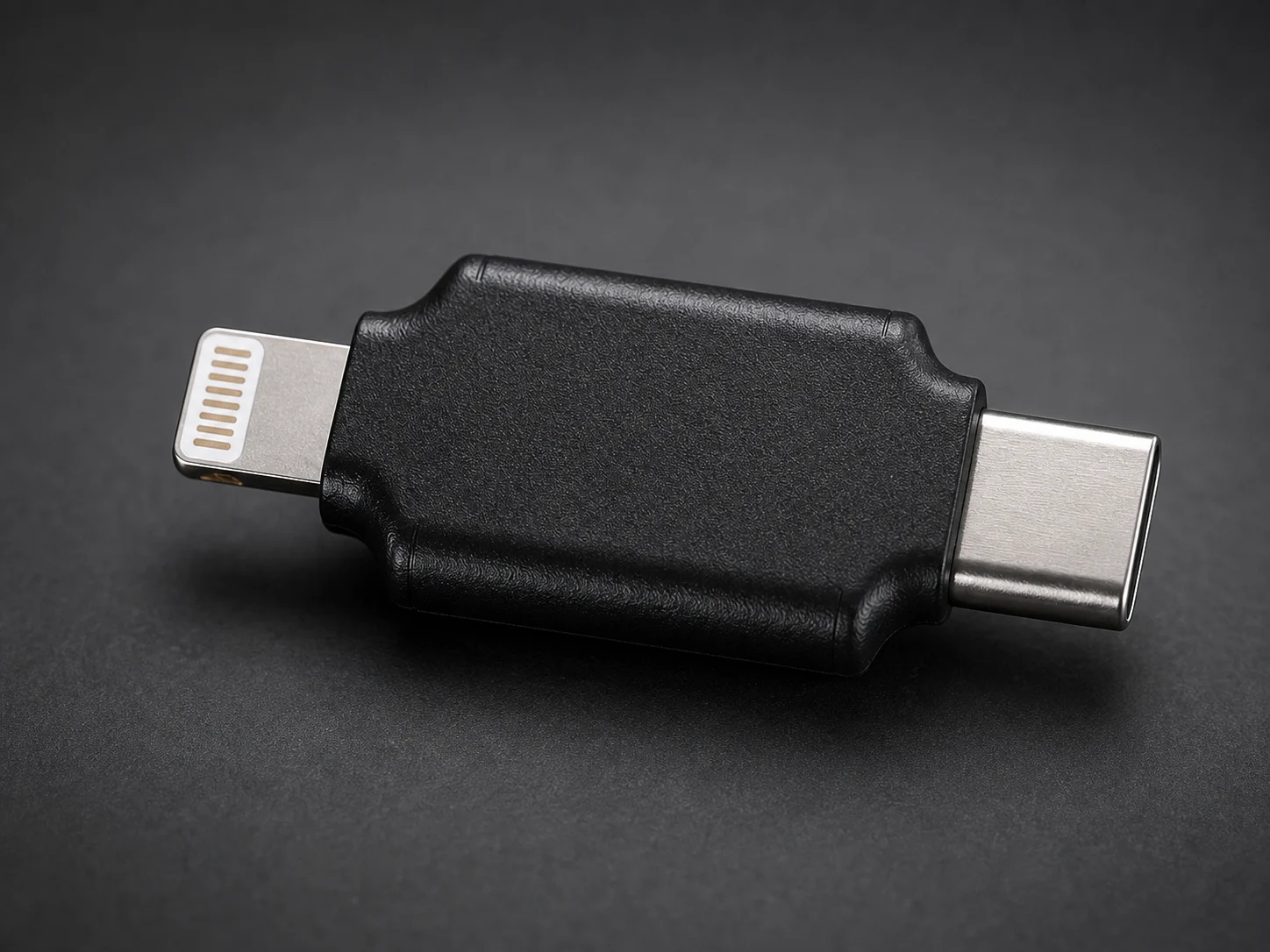
Lightning and USB-C in one device.
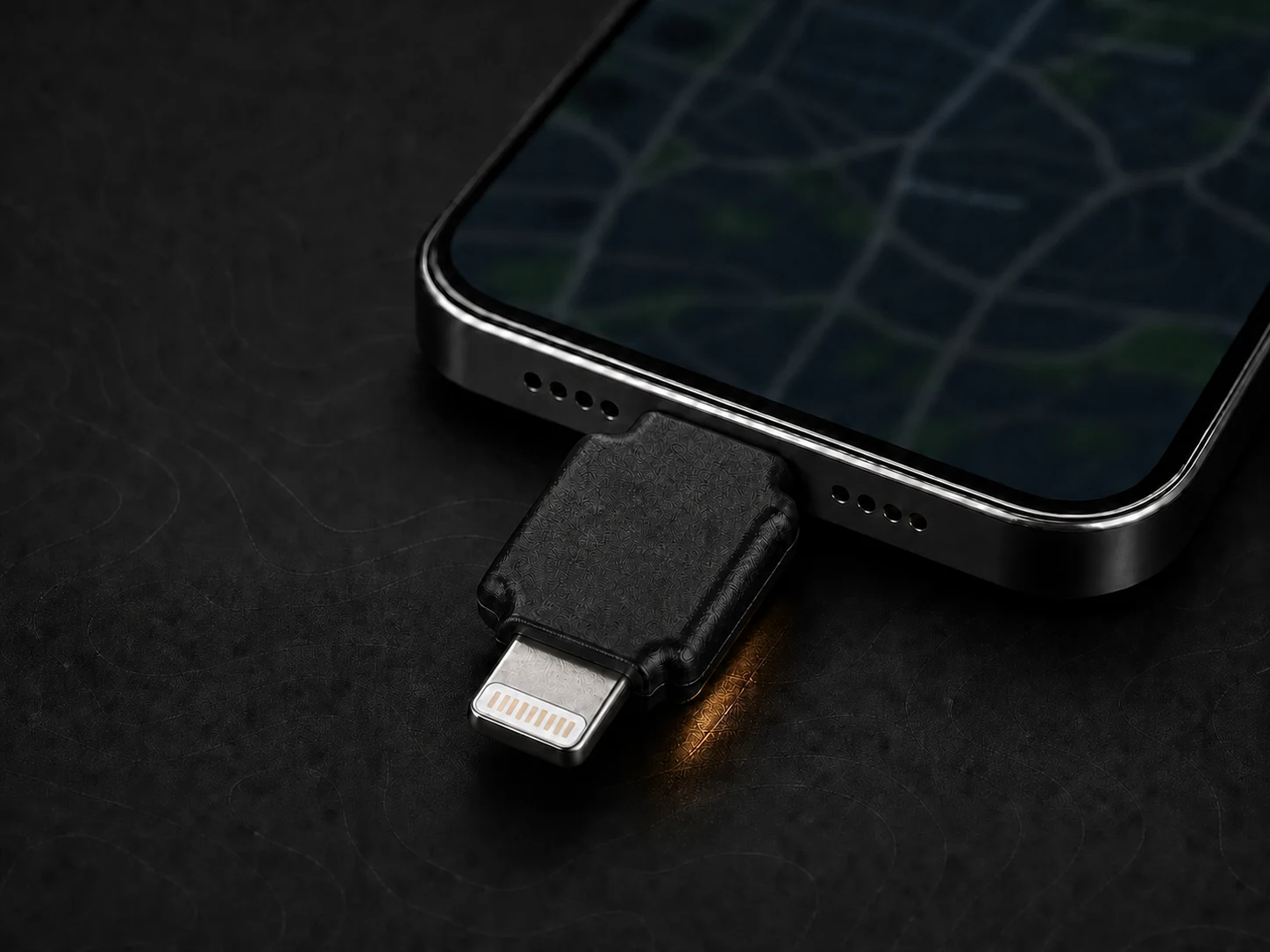
How it looks when connected.
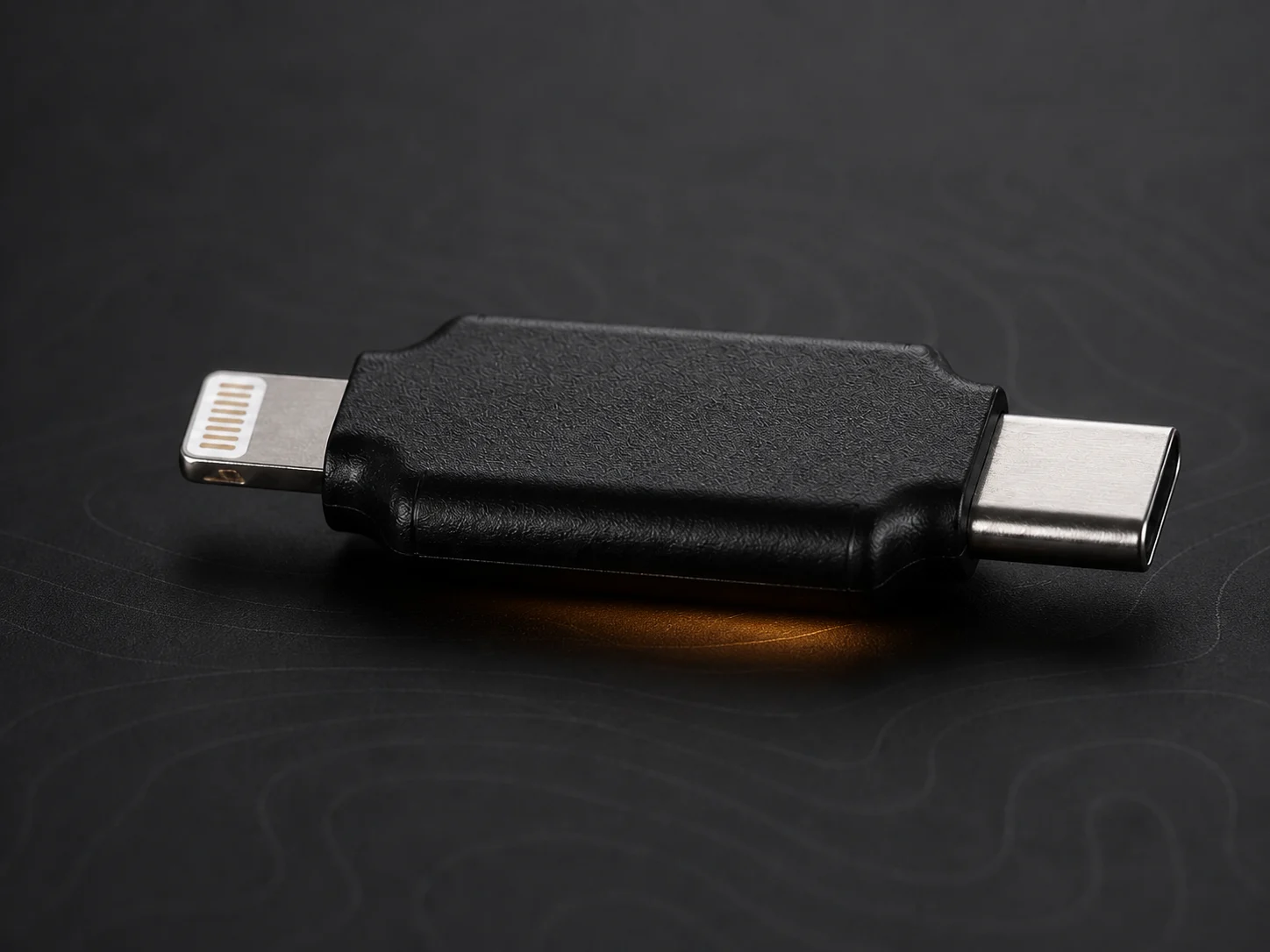
Rubber body, clean profile, metal connectors.
Connectors, system needs, what it can do, and how to reach us—in one place.
Use the Lightning or USB-C end that matches your iPhone.
Pan the map and tap the place you want.
Type latitude and longitude when you need the same point again.
Set altitude when you need it, and save places you revisit often.
THREE APPROACHES
Jailbreak tools, desktop apps, and plug-in hardware each work differently. Here’s a simple side-by-side view.
| Item | Jailbreak tools | Desktop software | HHJ Pro hardware |
|---|---|---|---|
| Jailbreak | Usually required | Not required | Not required |
| Computer | Depends on the tool | Usually stays connected | Not needed for normal use |
| Connection | Software only | Cable + computer | Plugs into the phone |
| Portable | Varies | Not easy to take with you | Small and easy to carry |
| Controls | Tweaks or settings | Desktop app | Map and coordinates on your phone |
| Restore real location | Follow that tool’s steps | Stop the desktop session | Unplug the device and follow the guide |
Some apps also check network, device, or account signals—not just GPS. HHJ Pro does not work with every app, and it cannot promise to bypass third-party checks.
See the full comparison →WHERE IT FITS
Check maps, navigation, and location permissions without traveling to every place.
Replay enter/exit rules, regional pricing, or store-area logic from saved coordinates.
Jump to a city or coordinate while showing a location-based feature.
Keep iOS as-is and change location from the phone with a small plug-in device.
CHECK BEFORE ORDERING
Every HHJ Pro includes both Lightning and USB-C, so it works with either port. The app needs iOS 13.0 or later. Check the model list before you buy.
View compatibility →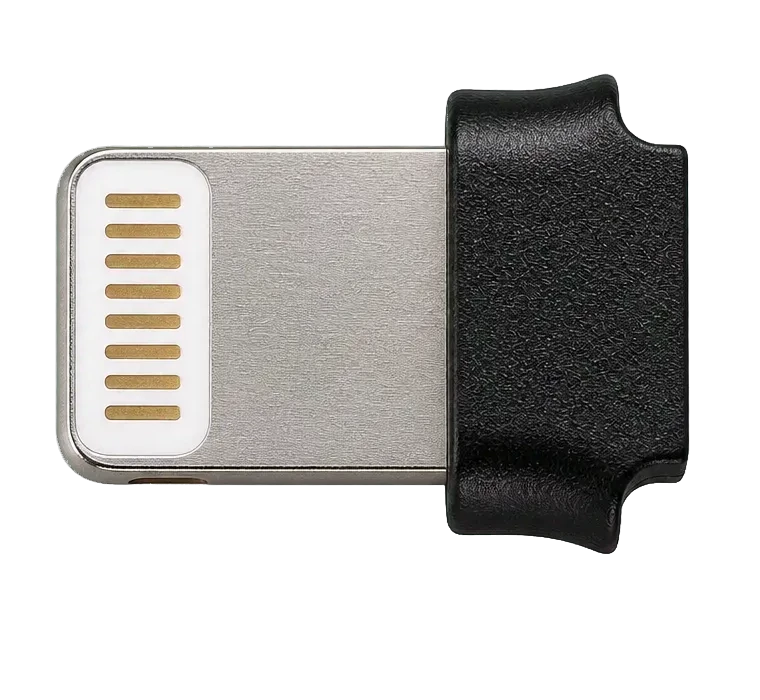
For iPhones with Lightning, up through iPhone 14.
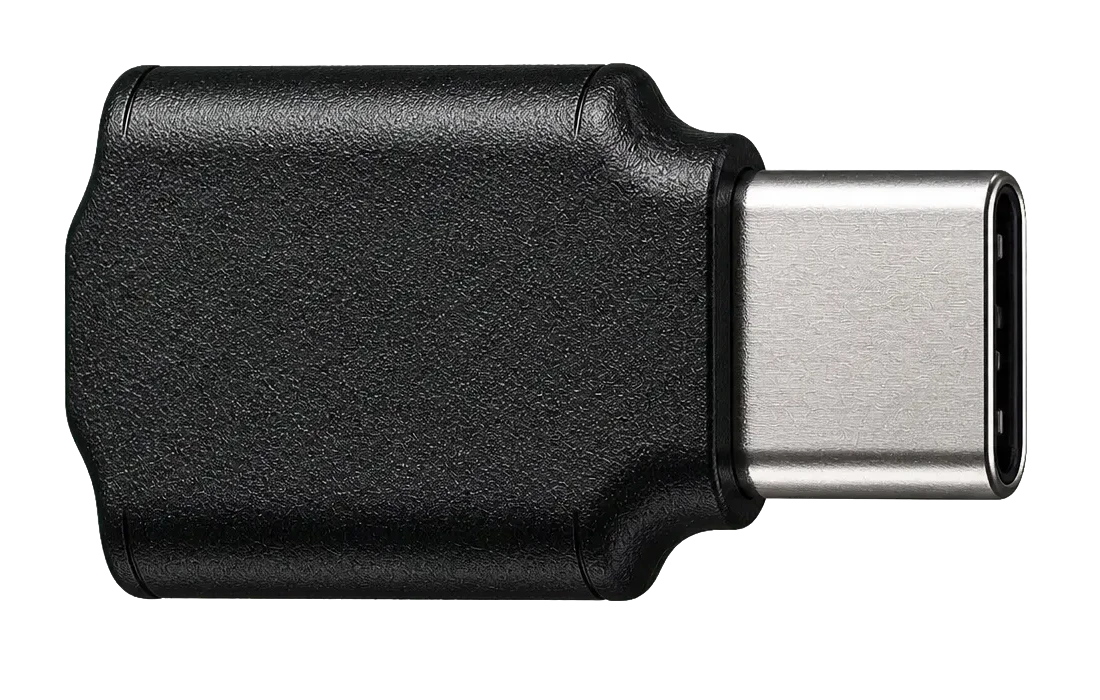
For iPhones with USB-C, from iPhone 15 onward.
An external location modifier for iPhone. Plug it in, open the official app, pick a map point or enter coordinates.
No. Just plug in the hardware and open the HHJ Pro app.
No. You don’t need to keep a computer connected for normal use.
Each device has Lightning and USB-C. The app needs iOS 13.0 or later—check the compatibility list for your model.
Unplug the hardware and follow the restore guide to refresh Location Services.
Not always. Some apps also look at network, device, or account signals—not only the location from iOS.
App development, map and geofence checks, demos, and presentations—used legally and within each platform’s rules.
Buy the US$100 hardware through the QPin HHJ Pro / Kver product page, where you can also track your order. Check device and iOS compatibility before buying.
BUY THE HARDWARE
HHJ Pro / Kver is a one-time US$100 hardware purchase. No software activation code is required. One device integrates Lightning and USB-C connectors.
Secure checkout and order tracking are provided by QPin.
DIRECT SUPPORT
Please mention: HHJ PRO